Ask anyone who has run a show in a hotel ballroom, a church hall or a sports stadium about the Wi-Fi, and watch their face. Venue networks are the weakest link in live production: overloaded, locked down, or simply absent. So why do so many live tools assume a rock-solid internet connection?
The cloud is great — until the show starts
Cloud software is convenient for editing a document. For a live show it's a liability. The moment your countdown timer, cue screen or scoreboard depends on a server somewhere on the internet, you've made the venue's flaky Wi-Fi a single point of failure for your entire production. When it drops — and it drops — you're left staring at a loading spinner in front of an audience.
Local-first means the network is yours
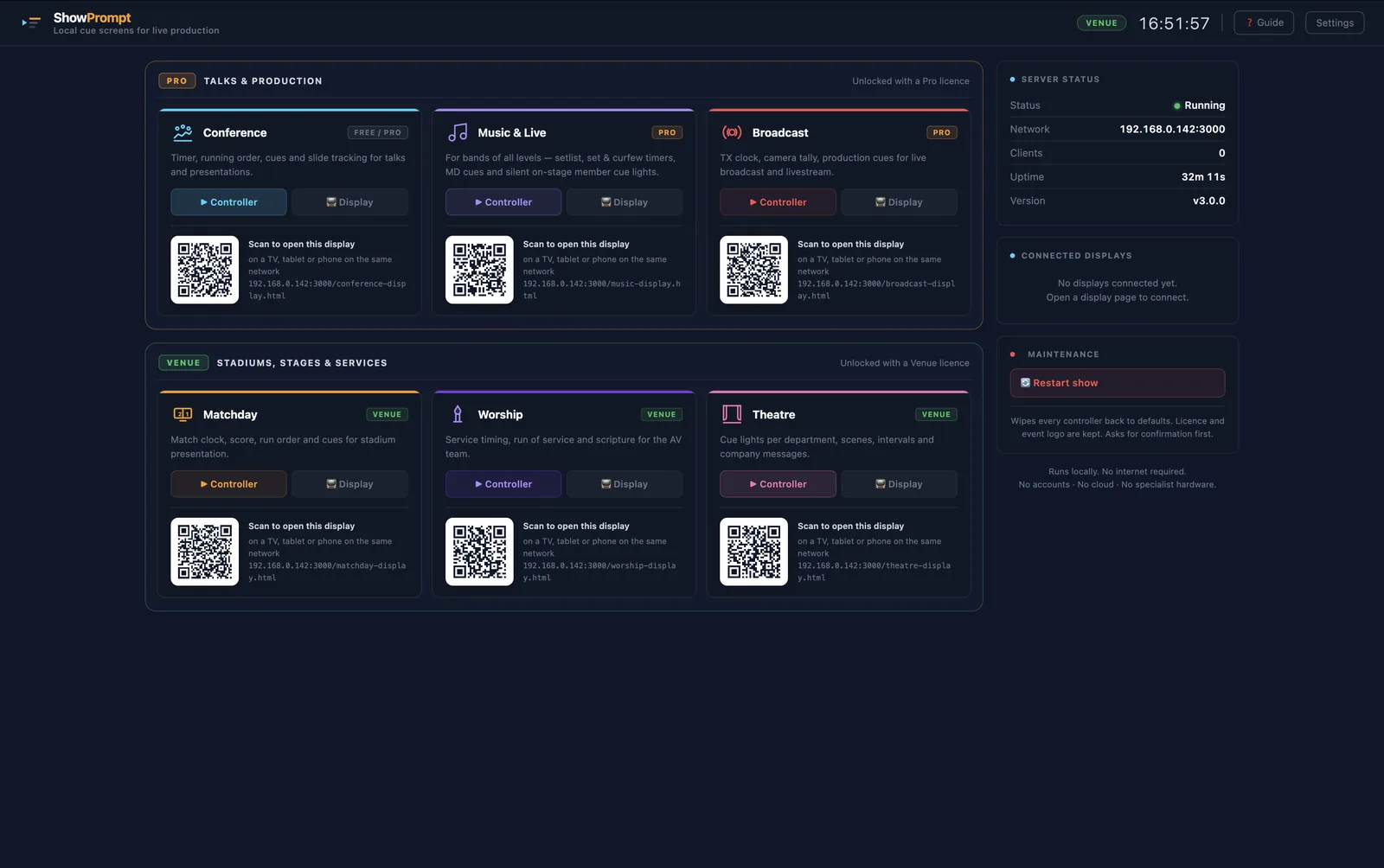
A local-first tool runs the server on your own laptop. Your screens — phones, tablets, TVs — connect to your machine over the local network and load their pages from it directly. No round trip to the internet, no third-party server, no outage you can't fix. If the building's broadband dies five minutes before doors, your show doesn't care.
What you actually need on the network
- A laptop running the controller.
- A local network — a cheap dedicated router is ideal, but existing venue Wi-Fi works if it's stable.
- Screens that can open a web page. That's it.
Notice what's missing: a working internet connection. You only need the internet for things like activating a licence or downloading the software — never to run the show itself.
The security bonus
Local-first isn't just about reliability. Nothing about your show — your running order, your cues, your client's confidential agenda — leaves the room. There's no cloud account to breach and no data in transit. For corporate, government and broadcast work where confidentiality matters, "it never touches the internet" is a feature, not a limitation.
Plan for the network to fail anyway
Even local-first, good practice is a dedicated router for show-critical screens, wired connections where you can, and a quick test of every display before doors. But the fundamental anxiety — "what if the internet goes down mid-show?" — simply disappears when your tools were built to run offline in the first place.