Everything you need
to run a show
Grouped the way live production actually works — from the first countdown to the post-show report, across six purpose-built modes.
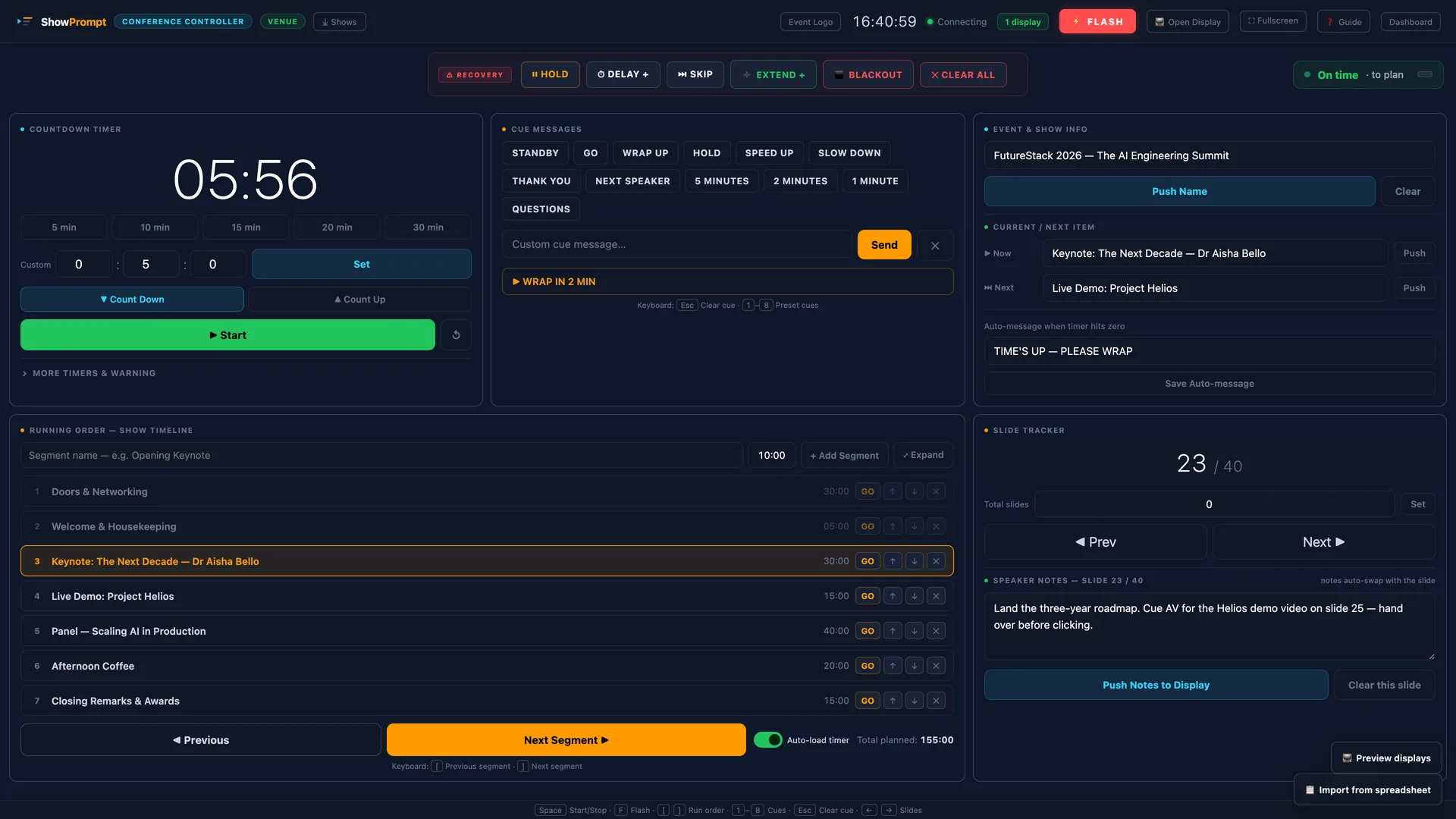
The live run-of-show tools your operator drives.
Precision Countdown Timers
Count up or down to any duration, with amber and red warning thresholds. Every connected screen updates the instant you hit go — wall-time anchored, so it never drifts over a long show.
Cue Lists & Running Orders
Build the whole show in advance as an ordered run of segments, then step through it live while presenters and crew only see the part meant for them.
Smart Timing Engine
Give each segment a planned duration and ShowPrompt tracks drift as you go — "Running 4 min late · projected end 21:34" — on the operator and producer screens.
Show Recovery Toolbar
Hold, Delay, Skip, Extend, Blackout and Clear-All — for when a show goes sideways. Destructive actions need a press-and-hold, so a misclick can't ruin the moment.
Put the right screen in front of every person.
Any Screen, Any Device
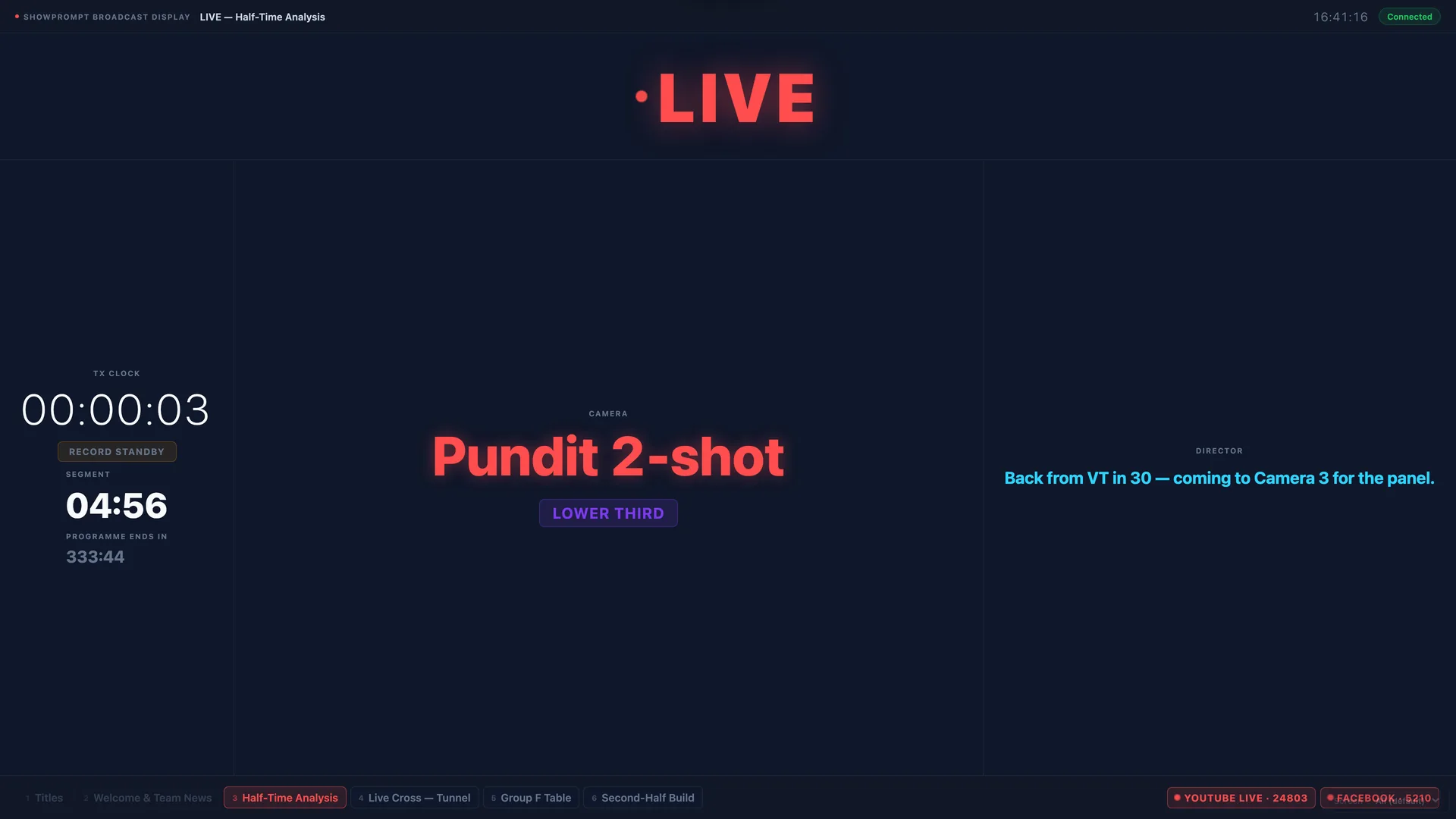
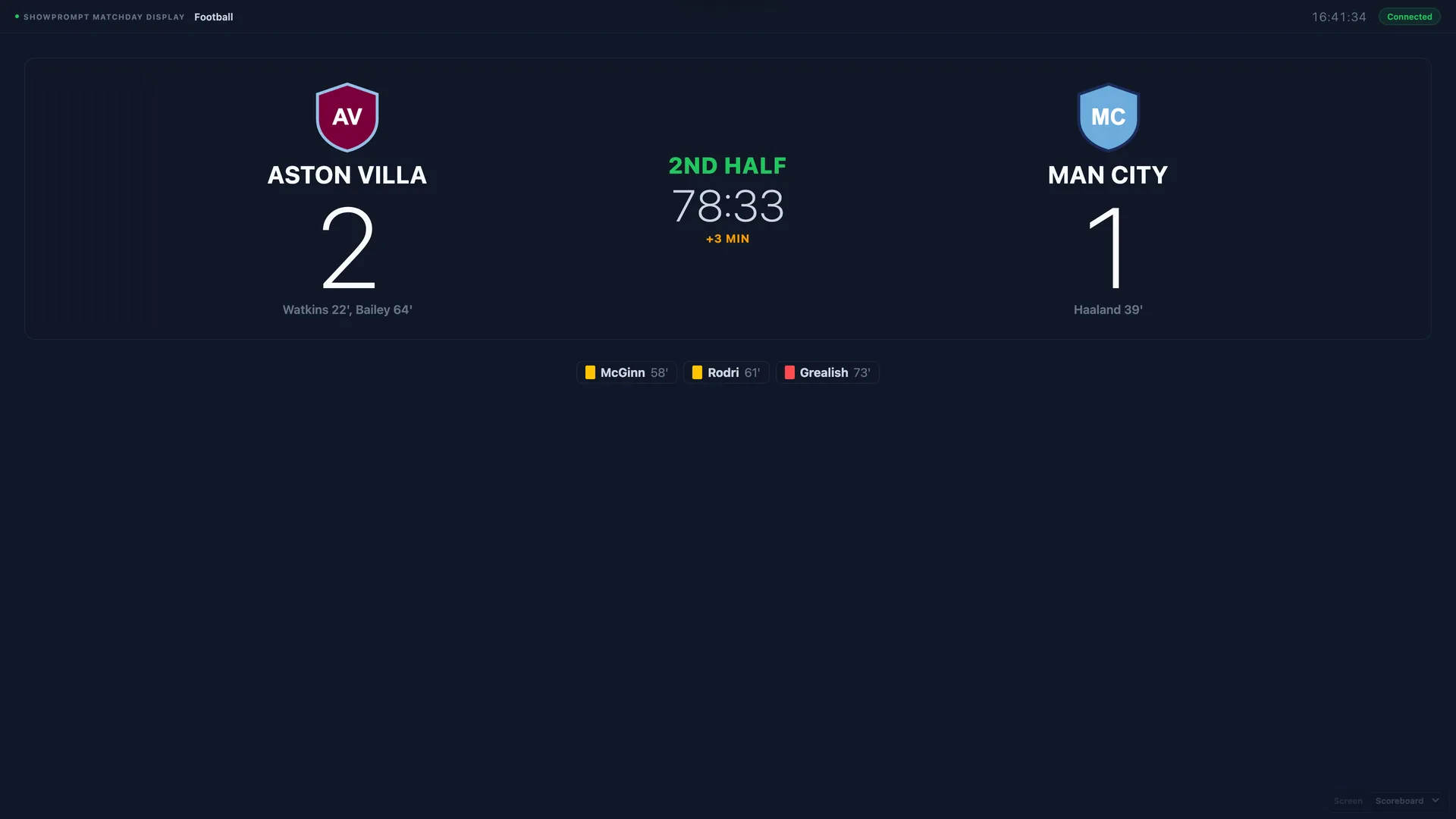
Phones, tablets, TVs and monitors all work as displays — they just open a URL on your local network. Nothing to download or install on the screens.
Multi-Screen Output
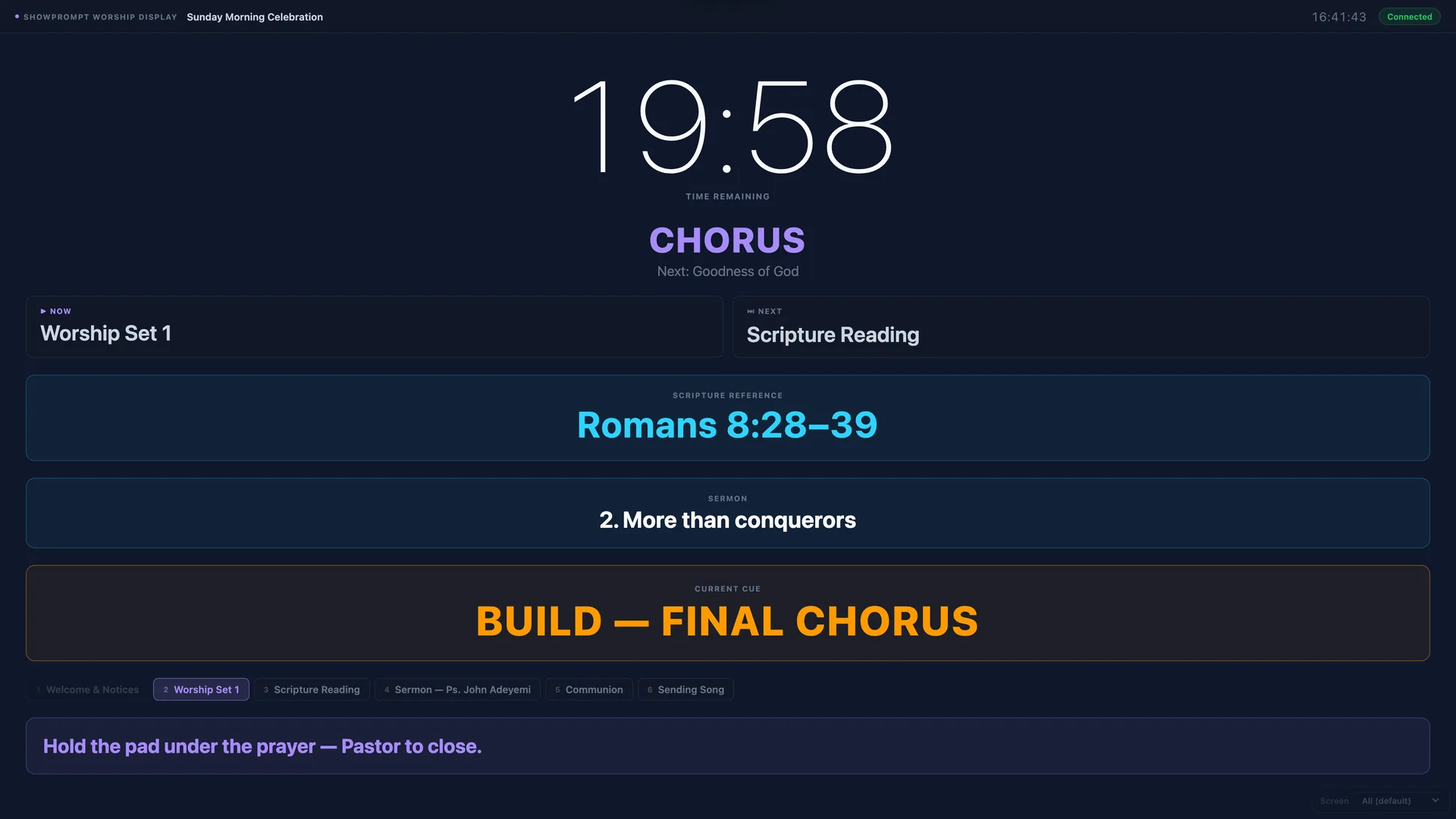
Drive different views to different screens at once: a clean timer to the presenter, the cue sheet to the operator, a status panel to the crew — all from one laptop.
QR Codes for Every Display
Every display URL has its own QR code in Settings. Scan it with a phone or tablet on the same network and the screen opens straight away — no typing IP addresses.
Display Preview Grid
One click on any controller shows live thumbnails of every connected display, so you can confirm what each screen shows without leaving the desk.
Reliable in the room, and shaped to your world.
No Internet, No Cloud
Runs entirely on your local network: no cloud dependency, no outage risk, no data leaving the room. It works in venues with no usable Wi-Fi at all.
Six Purpose-Built Modes
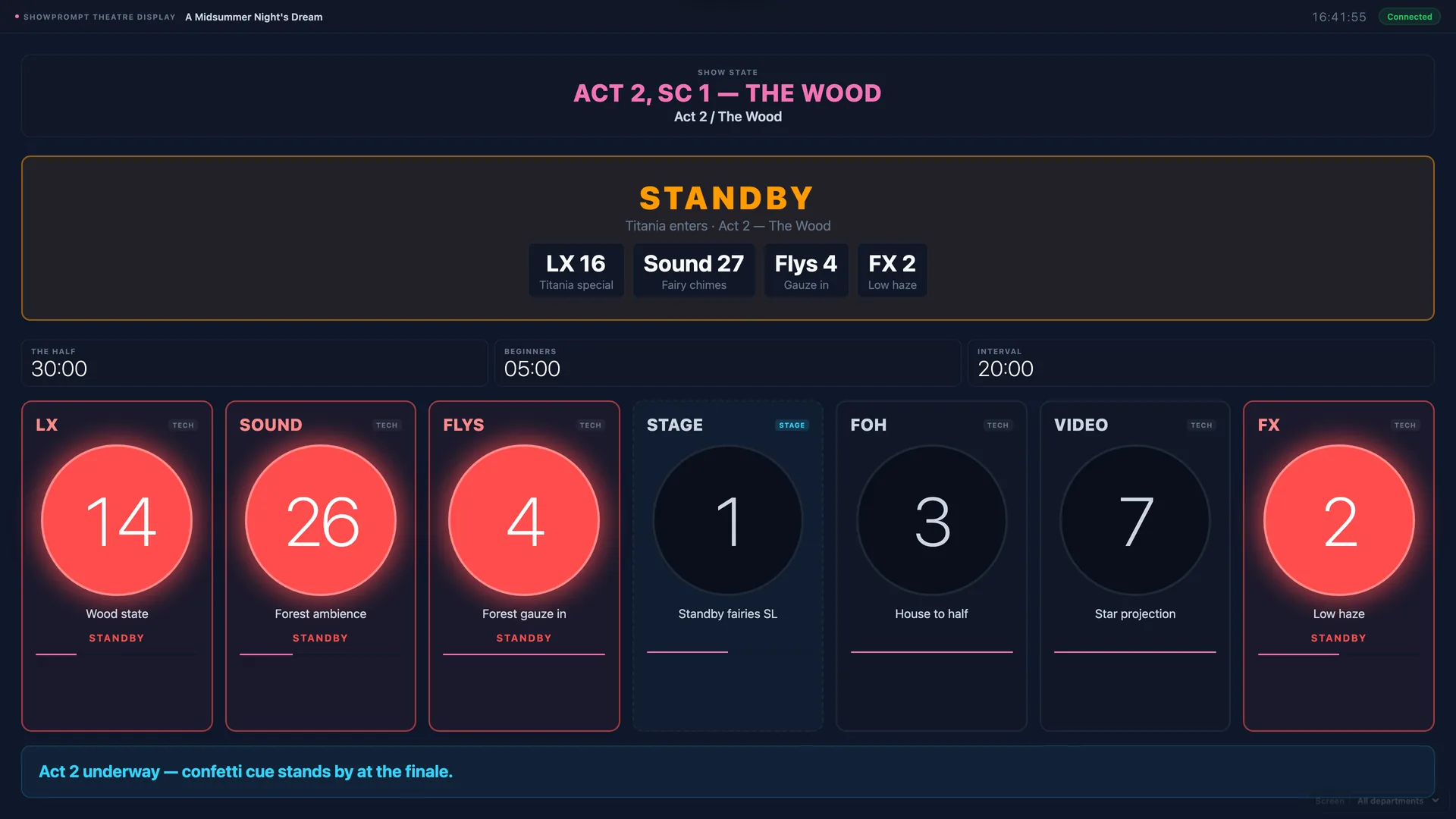
Conference, Music & Live, Broadcast, Matchday, Worship and Theatre — each shaped around how that environment actually runs, not a generic template.
Show Log & PDF Export
Every cue, timer event, segment advance and recovery action is logged with timestamps. Export as PDF or CSV after the show — ideal for client reports.
In development — landing in a future update.
Producer Mode
A read-only show-overview screen for producers, directors and show-callers: current segment, every live timer, the drift indicator, connected displays and live cue activity, all at a glance.
Stream Deck & Companion
A Bitfocus Companion module to fire timers, cues and recovery actions from physical Stream Deck buttons — with live variables and on-key feedback.
CSV Run-Order Import
Paste a running order straight from Google Sheets or Excel — auto-detecting columns and mm:ss durations — with a live preview before it replaces the current run order.
Ready to run your show?
Download free today. Upgrade to Pro or Venue when you need the specialised modes.