Live Event Production
Display Software
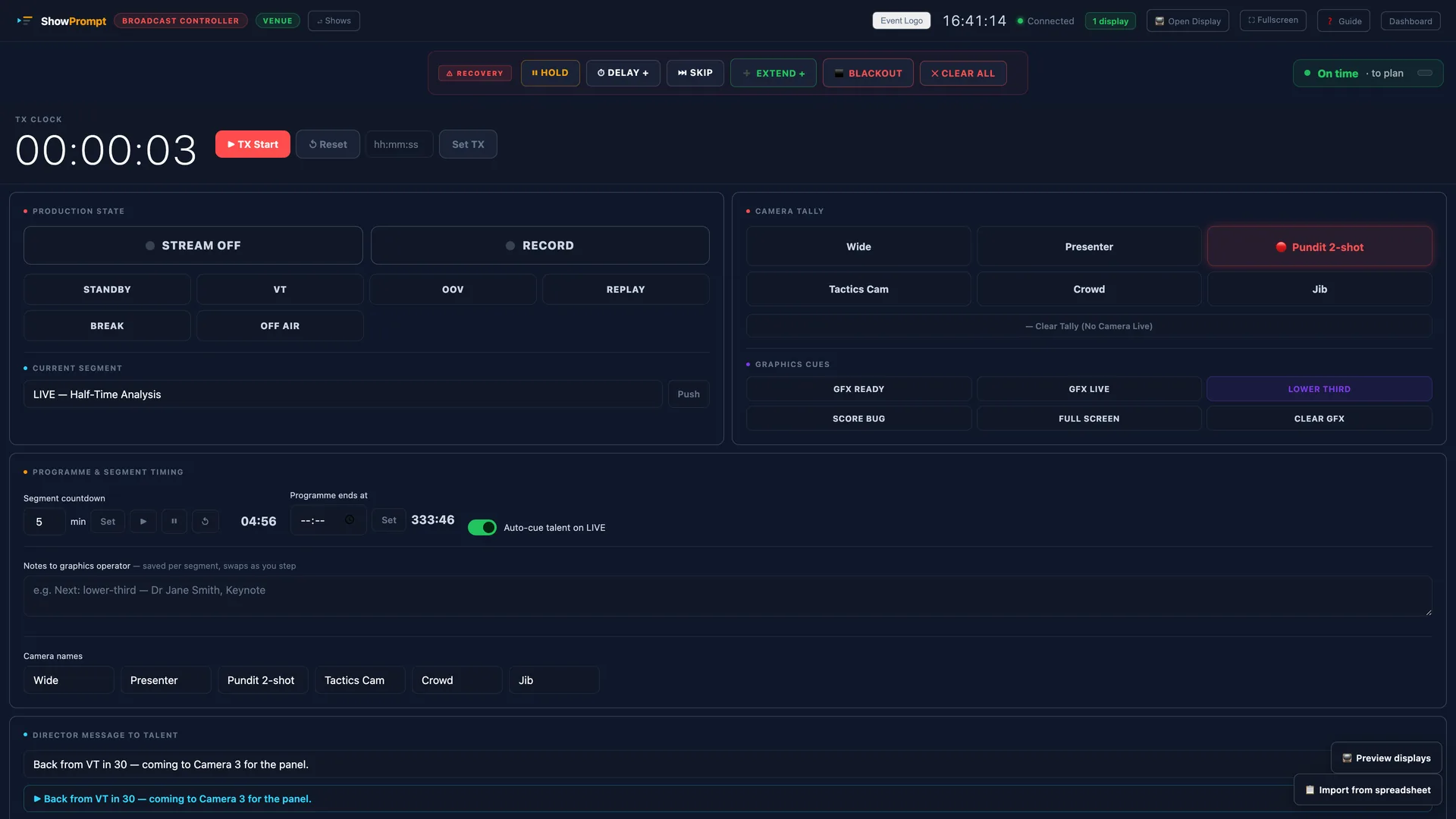
Running order, cue management, stage timers and production information for concerts, festivals, corporate events and live productions. One laptop. Any screen.
The problem
Live event productions — from corporate shows to outdoor festivals — need the whole team to know where they are at all times. What's running, what's next, how much time is left, and what the cue is. Most productions manage this with headsets, paper run sheets, or nothing at all.
How ShowPrompt solves it
ShowPrompt puts a live running order and production cues on every screen that needs it. Stage managers, floor managers, production coordinators and talent all see the same information — pushed in real time from one controller. No paper. No radio chatter for timing. Just clean information where it needs to be.
What's included
Full running order
Complete show running order with live now/next tracking. Advance through items from the controller as the show progresses.
Stage timers
Countdown and count-up timers for speakers, acts, sessions and intervals — with flash warnings and reset controls.
Live cue pushing
Push cue messages to any screen in real time — standby, go, hold, change of plan. No walkie-talkie needed for timing info.
Talent confidence monitor
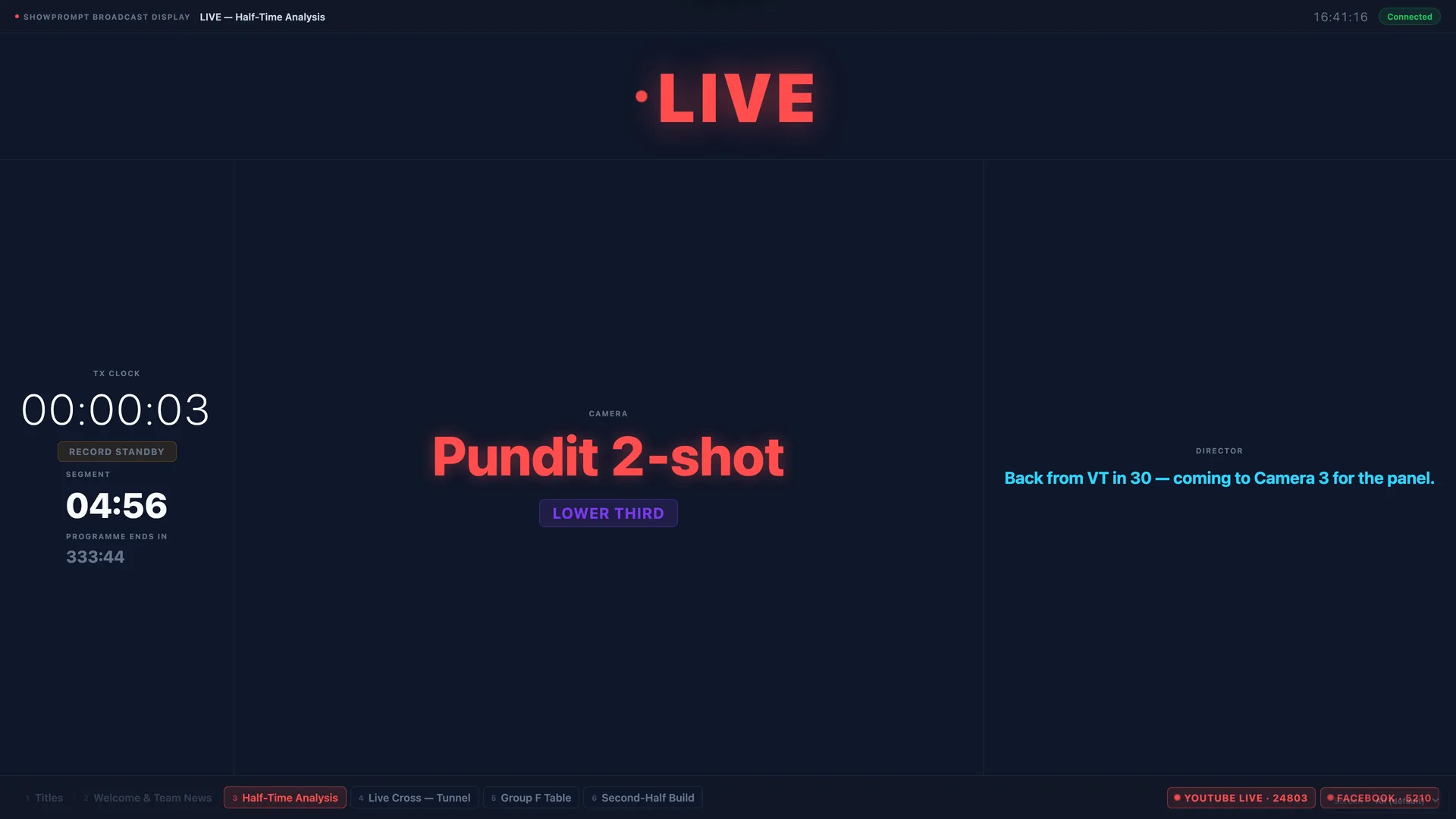
Dedicated display for presenters and performers — time remaining, next item and director notes on their screen.
Multi-screen support
As many display screens as you need. Stage monitor, FOH, talent screen, backstage display — all from one controller.
No internet required
Works entirely on your local network. Outdoor festivals, marquees, and venues with poor connectivity are no problem.
Questions about Live Events
Can ShowPrompt run an entire festival production?
Can different screens show different information?
Does it work outdoors?
What's the maximum number of display screens?
On every screen in the gallery
Ready to try ShowPrompt?
Download free today. Upgrade to Pro or Venue when you need more.