Confidence Monitor Software
for Live Events
Put timers, now/next, scripts and director notes on any screen your presenter can see — without showing it to the audience. All it takes is a screen and a browser.
The problem
Presenters and speakers at live events often have no reliable way to see how much time they have left, what's coming next, or messages from the production team. Stage monitors that do this properly are expensive, complex, or need specialist hardware.
How ShowPrompt solves it
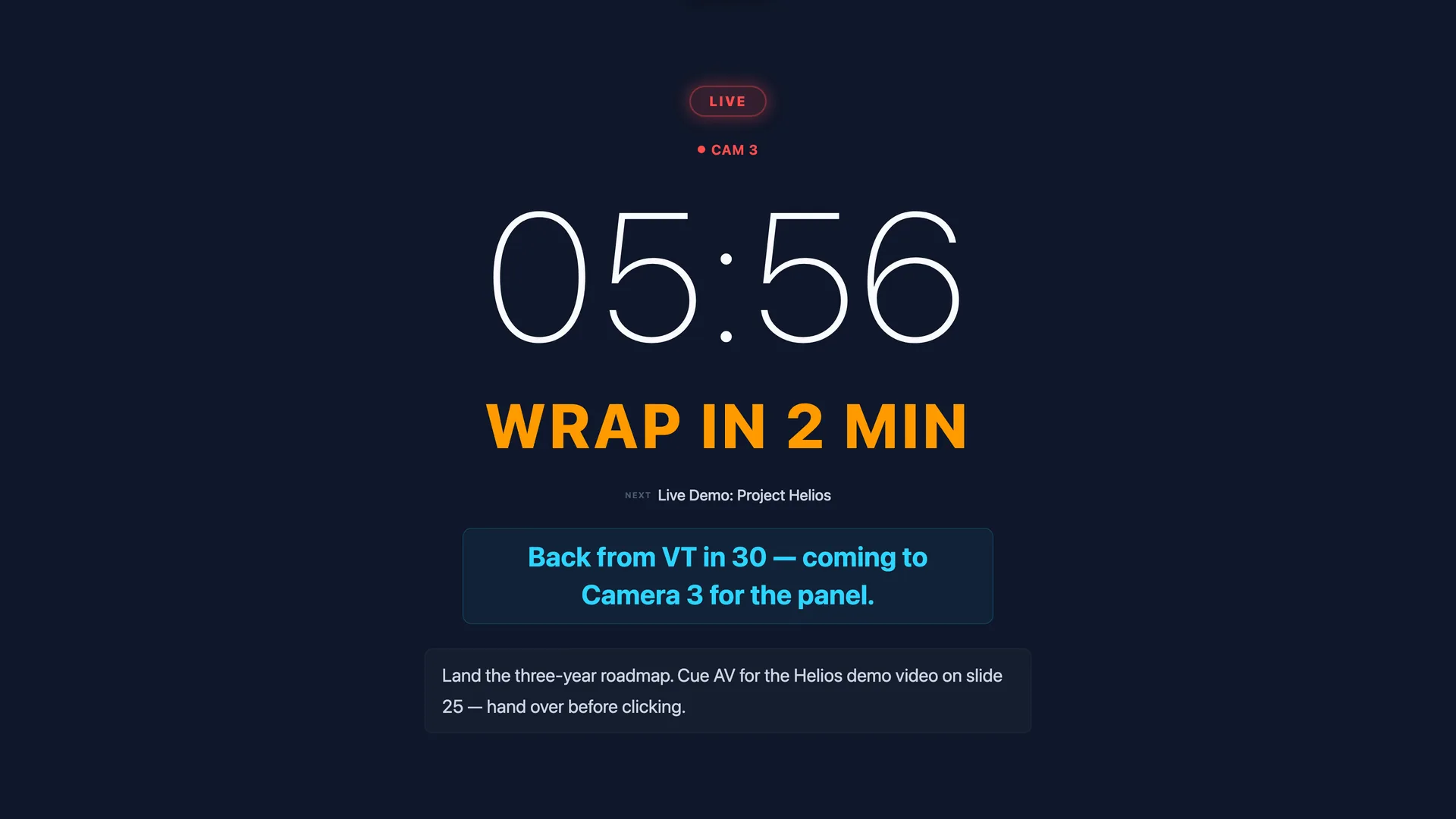
ShowPrompt turns any screen — a tablet on a lectern, a monitor at the side of stage, a phone on a music stand — into a confidence monitor. Your presenter sees their timer, now/next segment, and any notes you push from the controller. It updates in real time, on hardware you already own.
What's included
Large countdown timer
Big, clear time-remaining display. Flash warnings when time is running out. Configurable warning thresholds.
Now / Next display
Shows the current item and what's coming up next — so presenters know exactly where they are in the running order.
Live speaker notes
Push notes, reminders and director messages to the presenter's screen in real time from the controller.
Local network only
Runs on your local network. No internet dependency. Works in venues with no WiFi or restricted access.
Any screen works
Tablet, laptop, monitor, smart TV — anything with a browser. No apps to install on the display device.
Real-time updates
Changes push to display screens instantly over WebSocket, with no refresh and no perceptible lag.
Questions about Confidence Monitor
What's the difference between a confidence monitor and a teleprompter?
Can I run multiple confidence monitors for different presenters?
What screen size works best?
Can the presenter see their script or only timing?
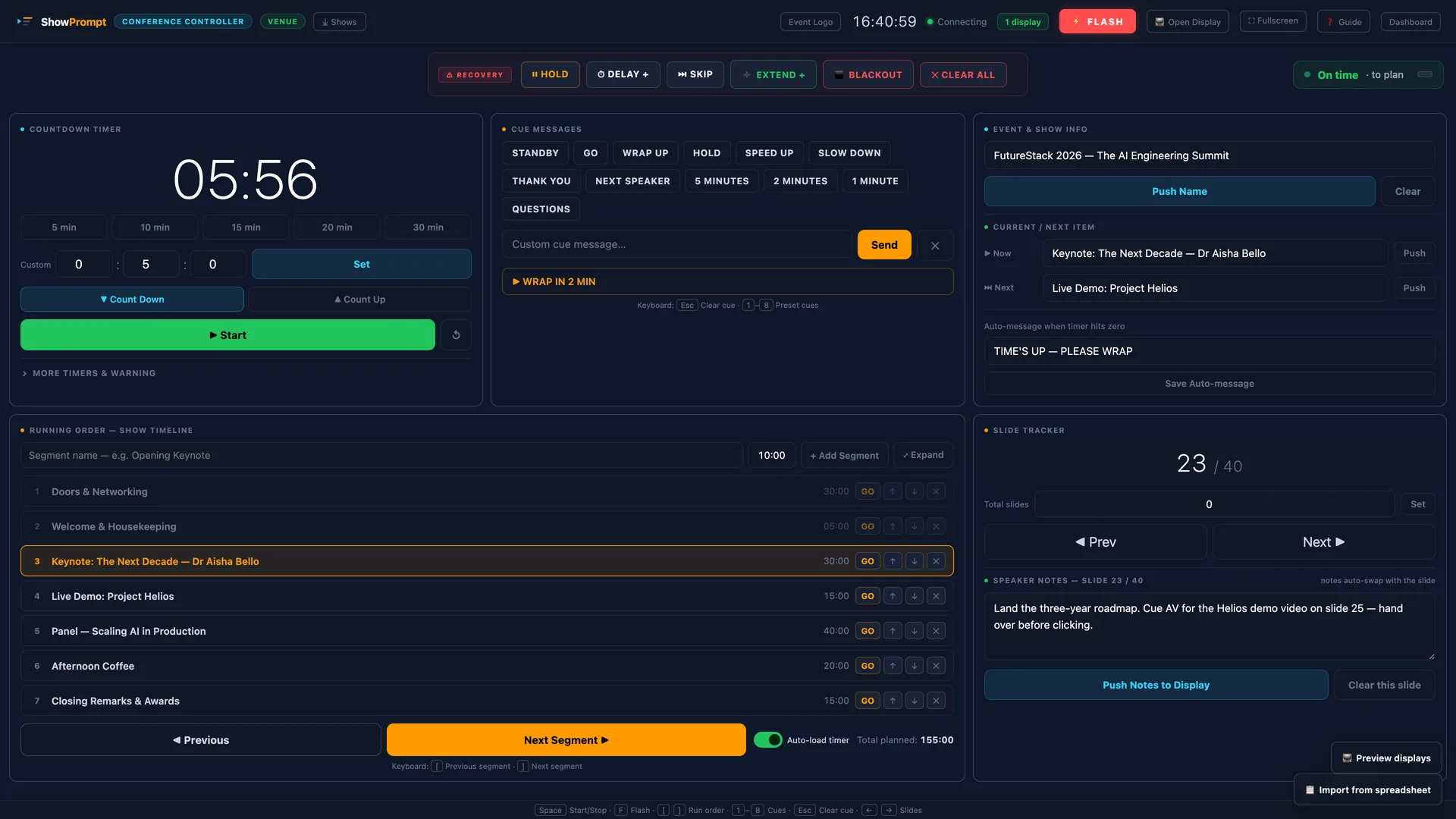
Driven from one operator screen
Ready to try ShowPrompt?
Download free today. Upgrade to Pro or Venue when you need more.